Professional time tracking
Complete system for companies and self-employed: dashboard, weekly shifts, time off, compliance, VAT/VIES billing, Excel and PDF reports, geofencing, webhooks, 2FA and mobile access. Manage attendance and the employee portal from one place.
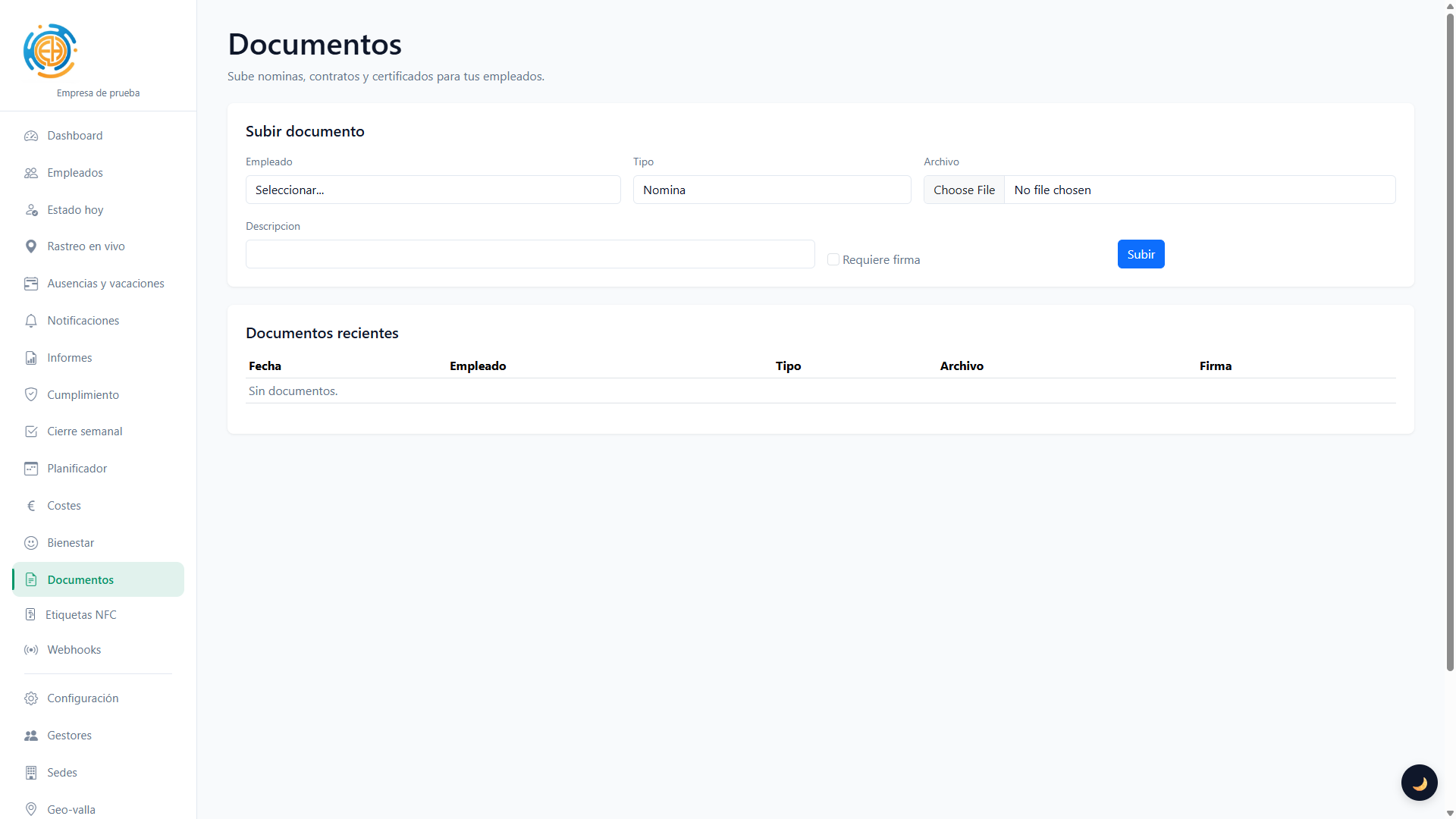
For your business
Activity summary, employee status and quick access to all sections.
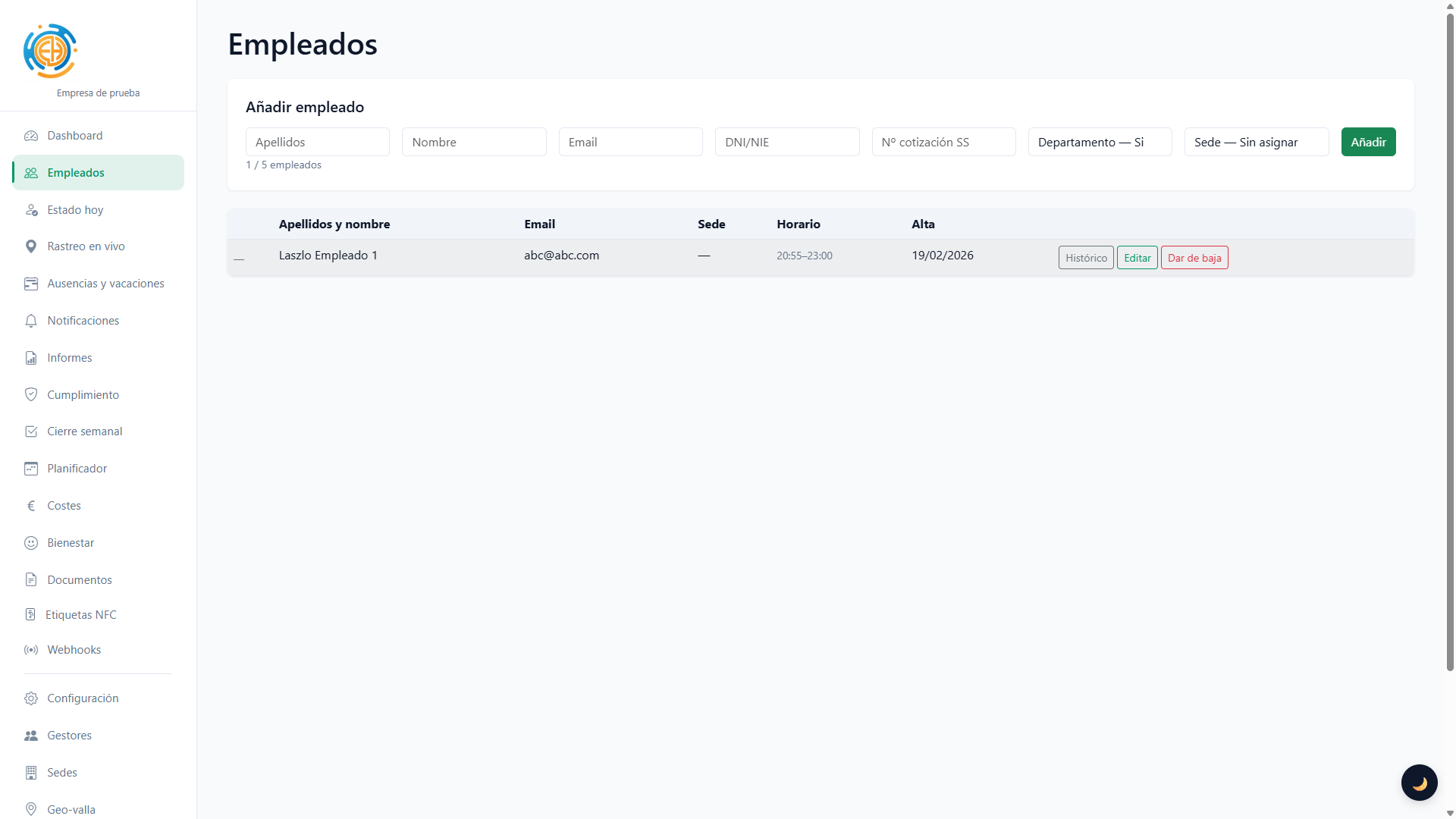
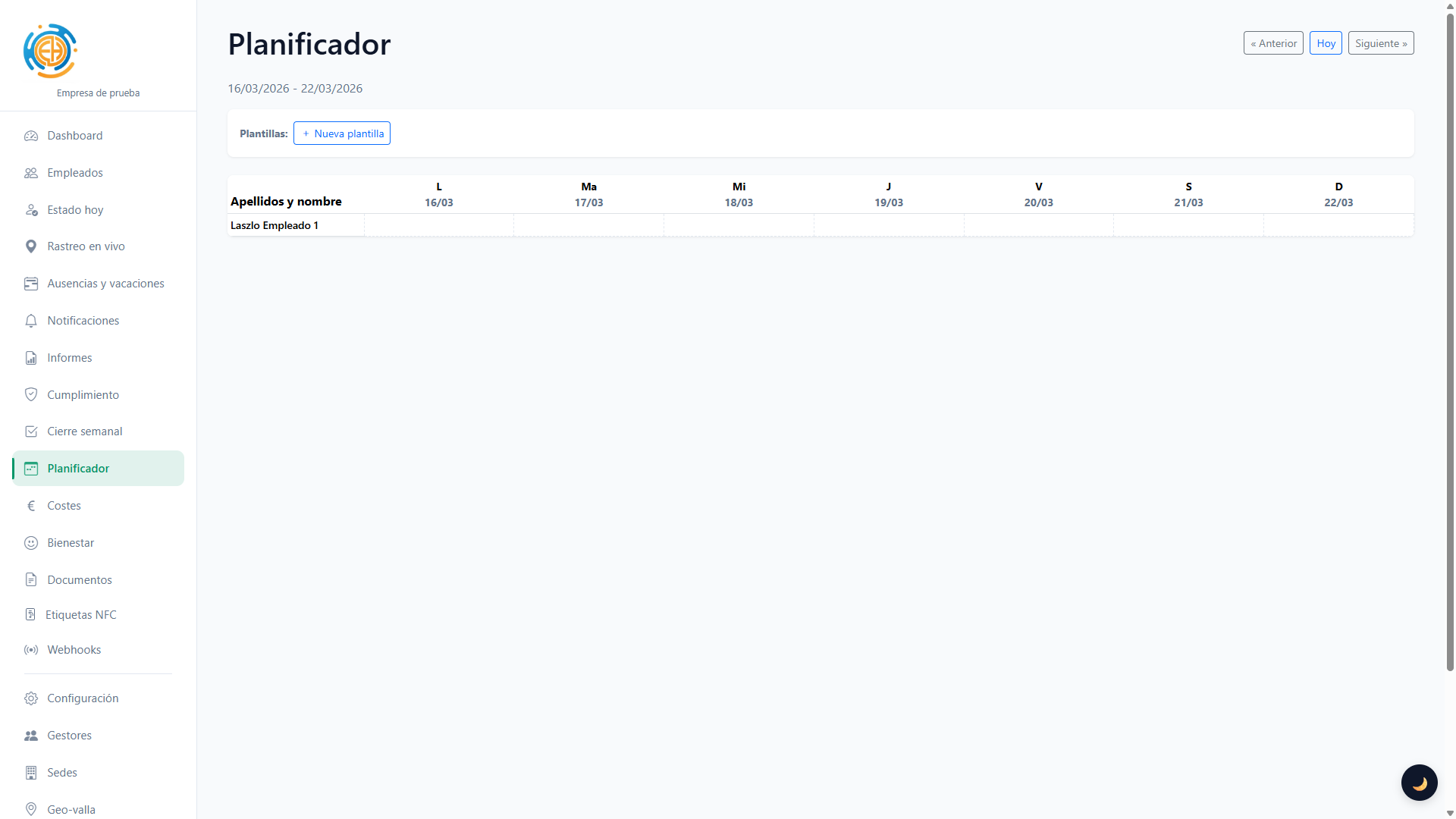
Onboarding, editing and automatic credential emails. Schedule and geofence assignment.
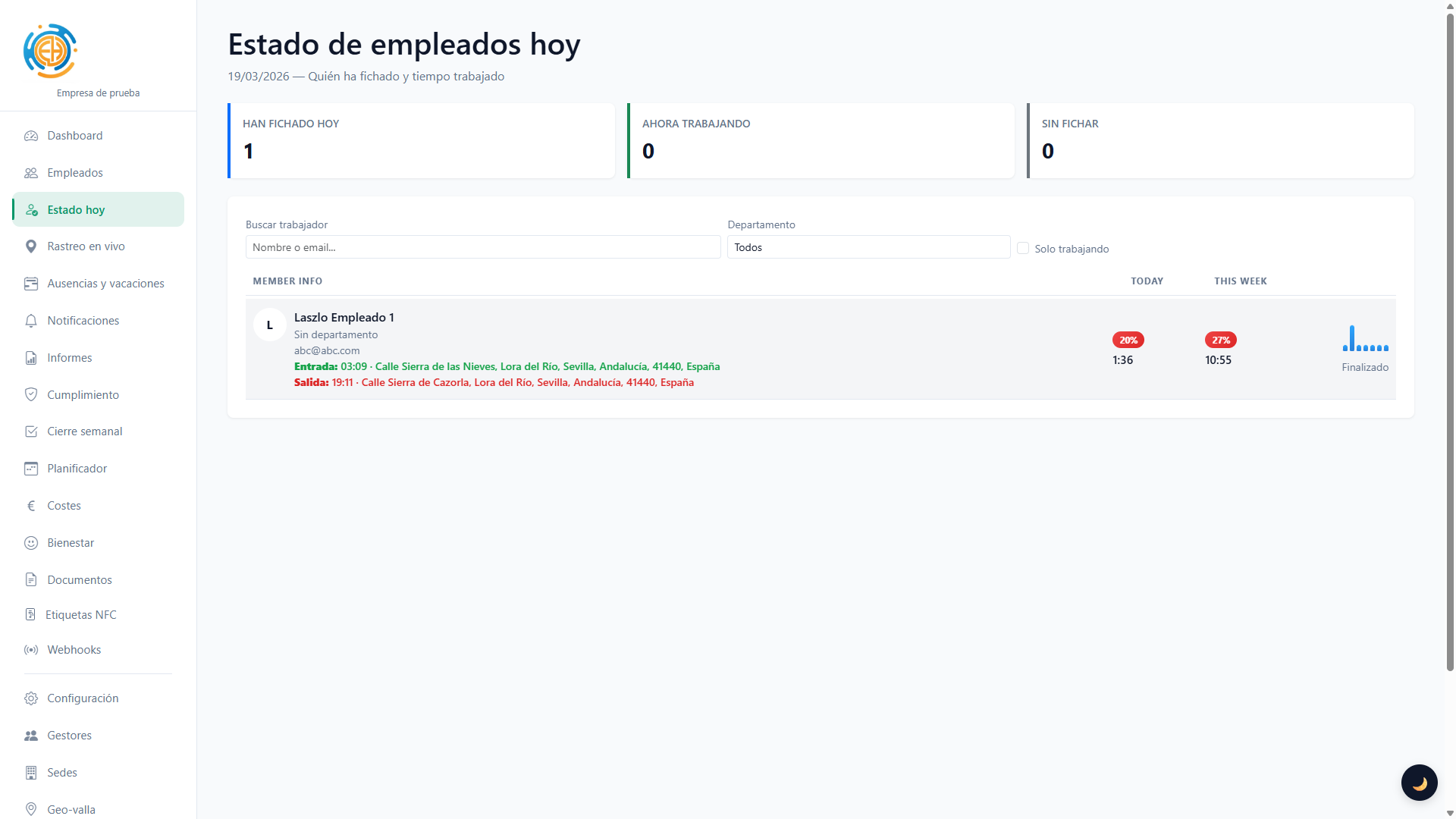
See who has clocked in and out in real time.
Real-time location of employees during their shift. Live and historical tracking per employee.
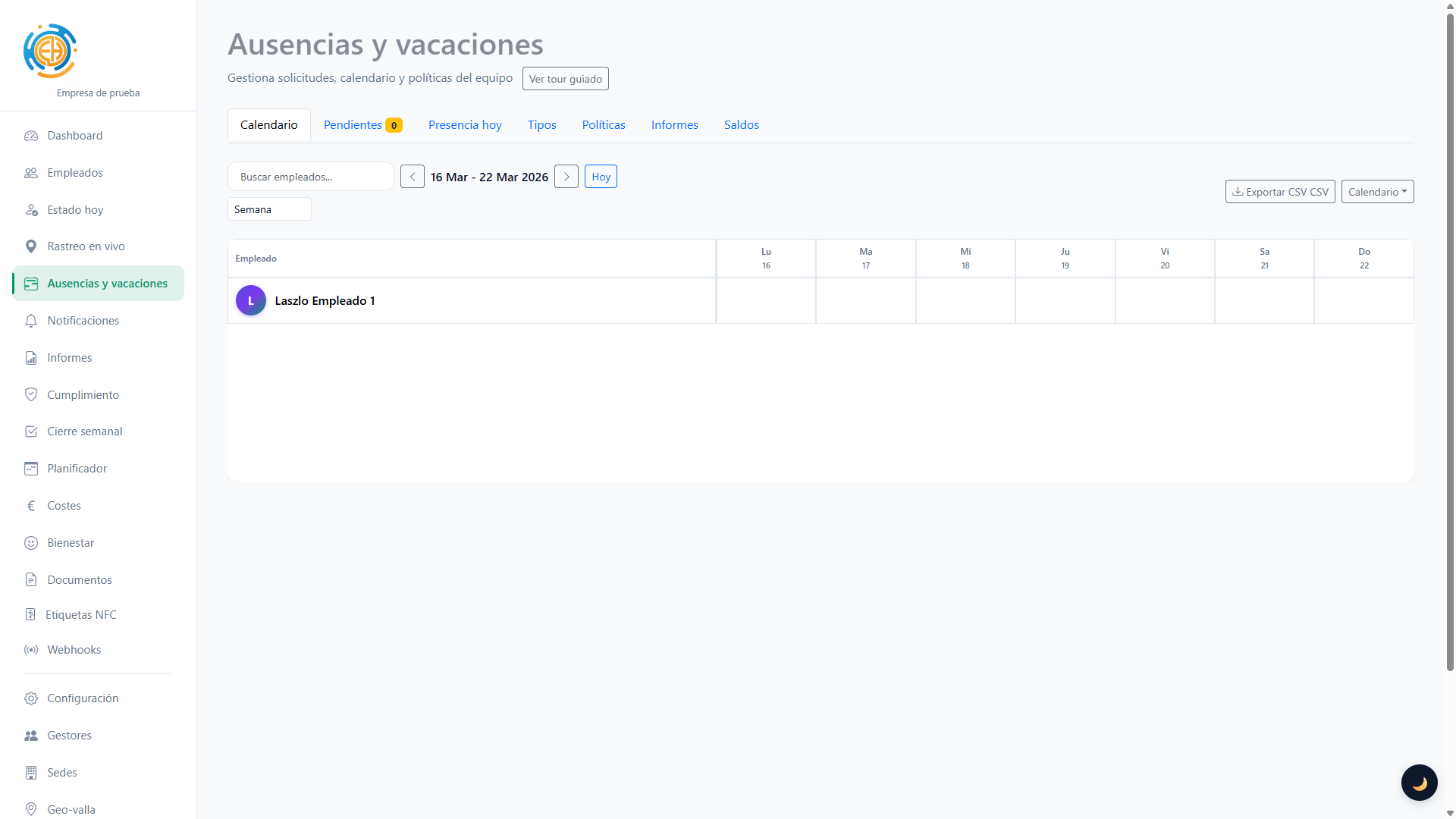
Per-employee calendar, requests, approvals, balances and policies (swipe to clock, etc.).
Payroll (standard and SAGE CSV), clock-in detail in CSV and PDF with verifiable digital signing.
To validate the PDF signature as trusted, install the root CA certificate on your device: rootCA.crt
Define allowed areas for clock-in (radius in metres). Assign one geofence per employee.
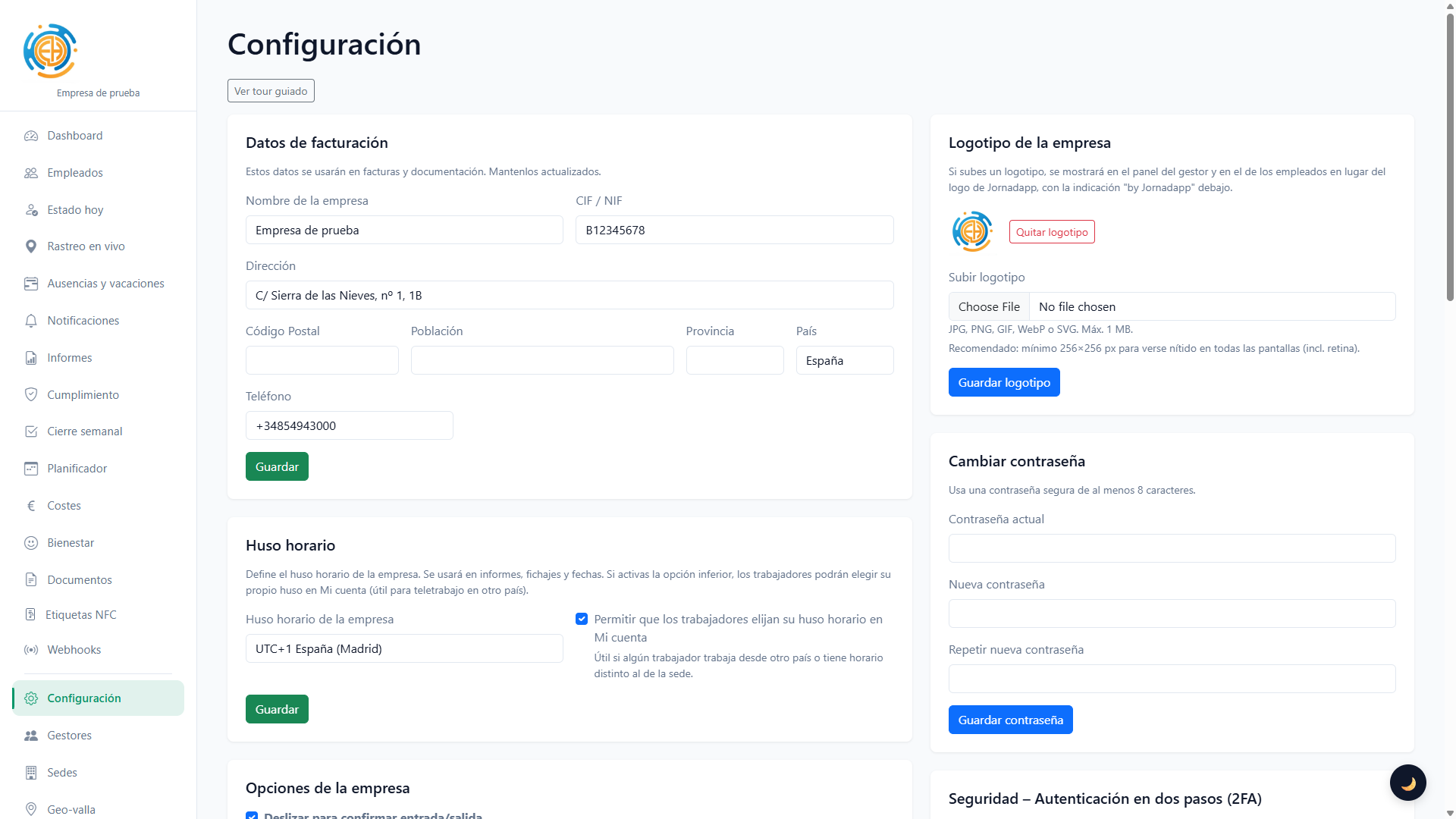
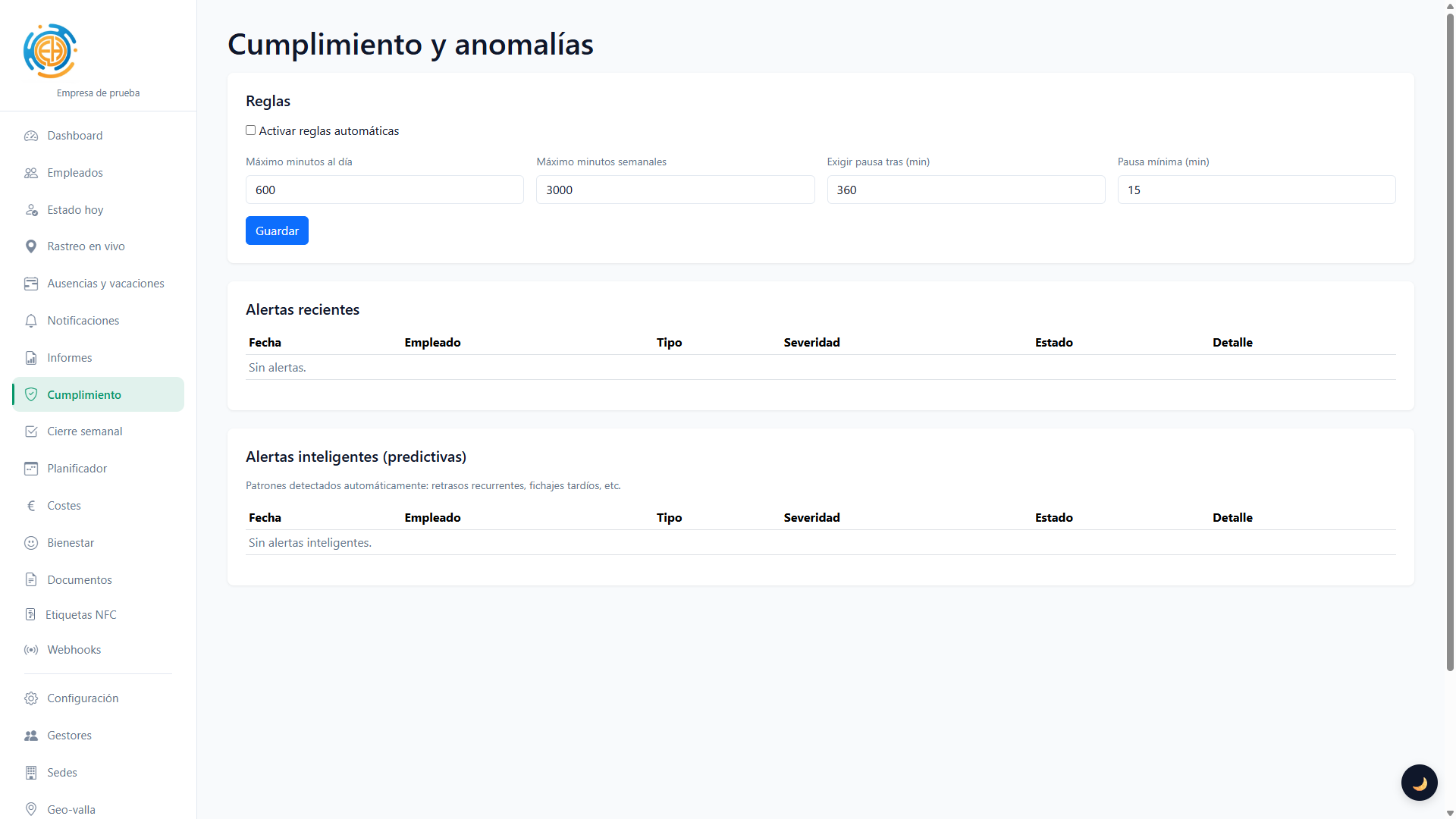
Breaks, clock-in reminder emails, projects and two-factor authentication (2FA).

Flexible subscription with VAT per plan, visible prorating, multilingual automatic invoices and AEAT/VIES fiscal checks.
NUEVAS FUNCIONES
For employees
Clock in, out, break start and end with location recorded. Address saved for each entry.
Option to avoid accidental taps: swipe to confirm clock-in or clock-out.
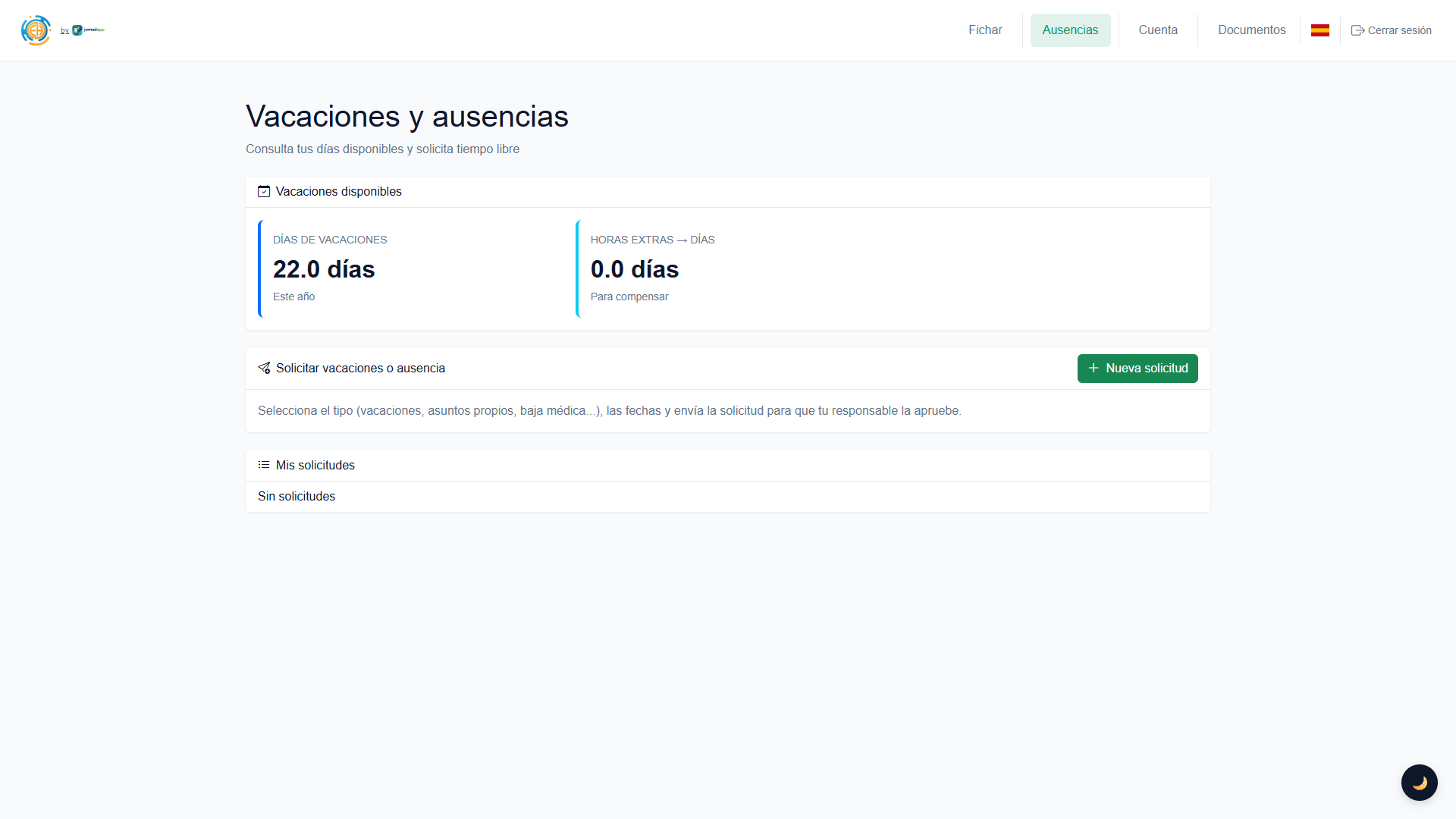
Request time off or holidays from your area. Check your balance and request status.
Clock in, check published shifts, request leave, open documents and receive notifications from your phone with the Android app or installable web access.
Features
The platform works on Android, iPhone and browser. Even before you publish the official links, the web version can already be installed and used like an app.
Use the Android app or install the web version from Chrome to clock in, review shifts and receive alerts.
In Chrome: browser menu > "Install app" or "Add to Home screen".
Installable from mobile webOn Apple devices the platform can run as a web app, with a shortcut and the same employee or company account.
In Safari: Share > "Add to Home Screen".
Open the full dashboard, reports and settings from any browser.
Same access from desktop, tablet or mobile
https://jornadapp.esHelp
Short answers about key features. More detail is available after sign-up or from support.
Create your account and start clocking in with geolocation in minutes.
Create accountAre you an employee? Clock in here