Clock-in with geolocation

All-in-one workforce platform for companies and self-employed teams: GPS, QR and NFC clock-in, shifts, time off, requests, expenses, internal chat, compliance, VAT/VIES billing, reports, geofencing, webhooks, 2FA and mobile apps for Android and iPhone.

GPS, QR and NFC Android and iPhone apps Requests, expenses and chat Reports, VAT and compliance Encryption and global backups

Everything your business needs

Dashboard
Dashboard

Activity summary, employee status and quick access to all sections.
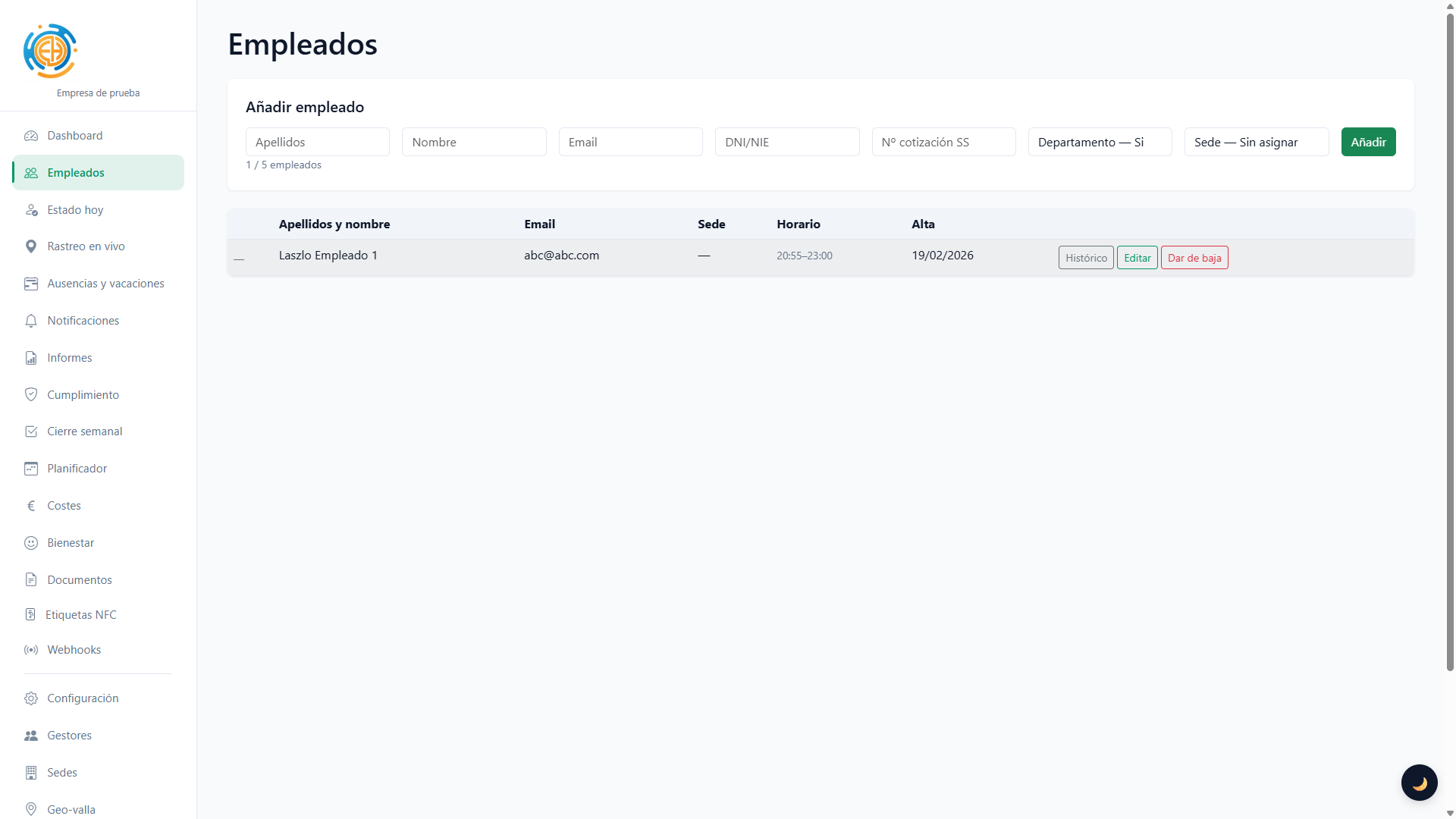
Employee management
Employee management

Onboarding, editing and automatic credential emails. Schedule and geofence assignment.
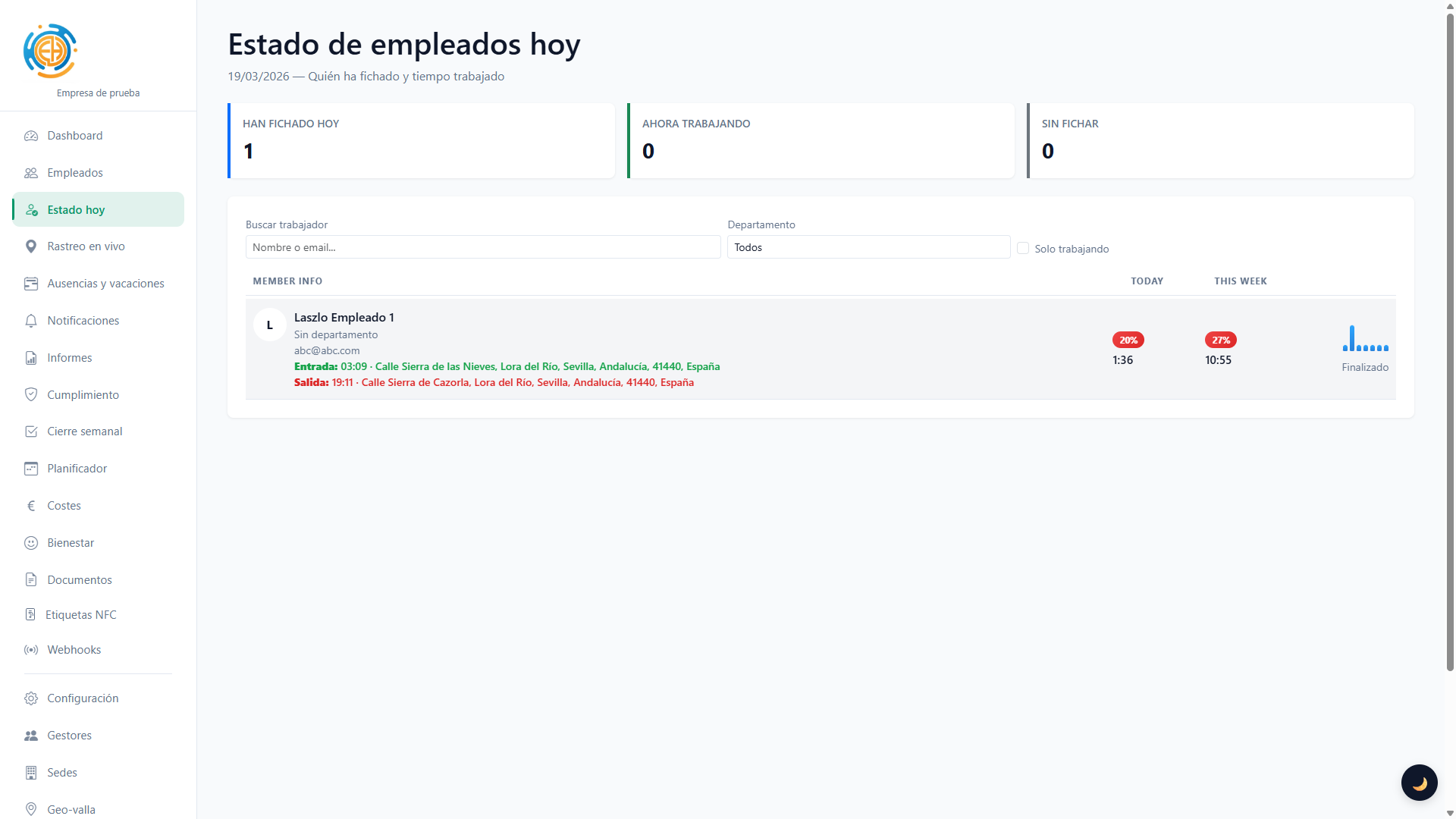
Today's status
Today's status

See who has clocked in and out in real time.

Employee tracking
Employee tracking

See who is working and unlock, as a premium add-on, live location only while the employee is clocked in.
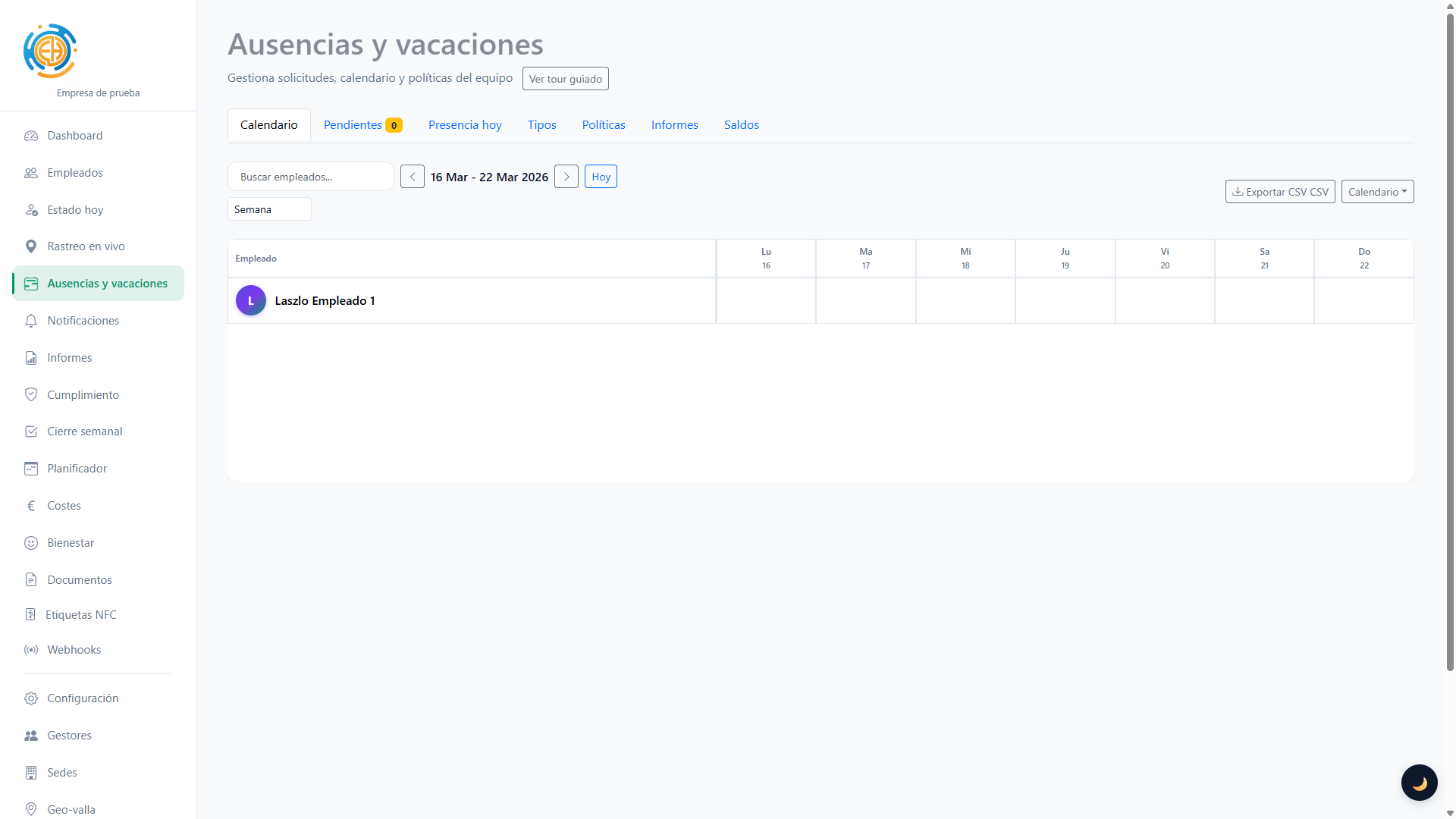
Time off and holidays

Per-employee calendar, requests, approvals, balances and policies (swipe to clock, etc.).

Reports
Reports

Payroll (standard and SAGE CSV), clock-in detail in CSV and PDF with verifiable digital signing.

To validate the PDF signature as trusted, install the root CA certificate on your device: rootCA.crt

Geofence
Geofence

Define allowed areas for clock-in (radius in metres). Assign one geofence per employee.
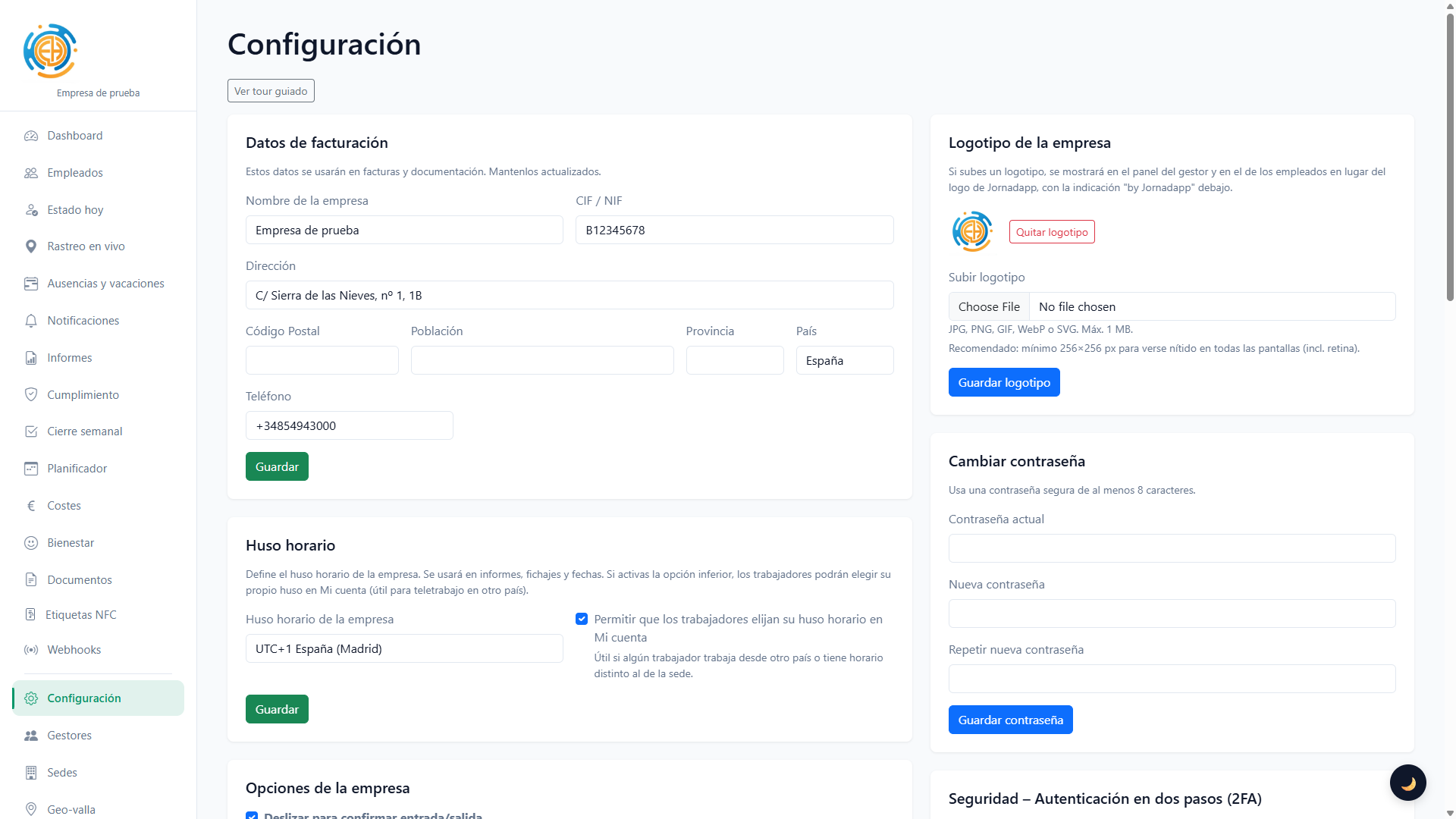
Settings
Settings

Breaks, clock-in reminder emails, projects and two-factor authentication (2FA).

Subscription
Subscription

Flexible subscription with VAT per plan, visible prorating, multilingual automatic invoices and AEAT/VIES fiscal checks.
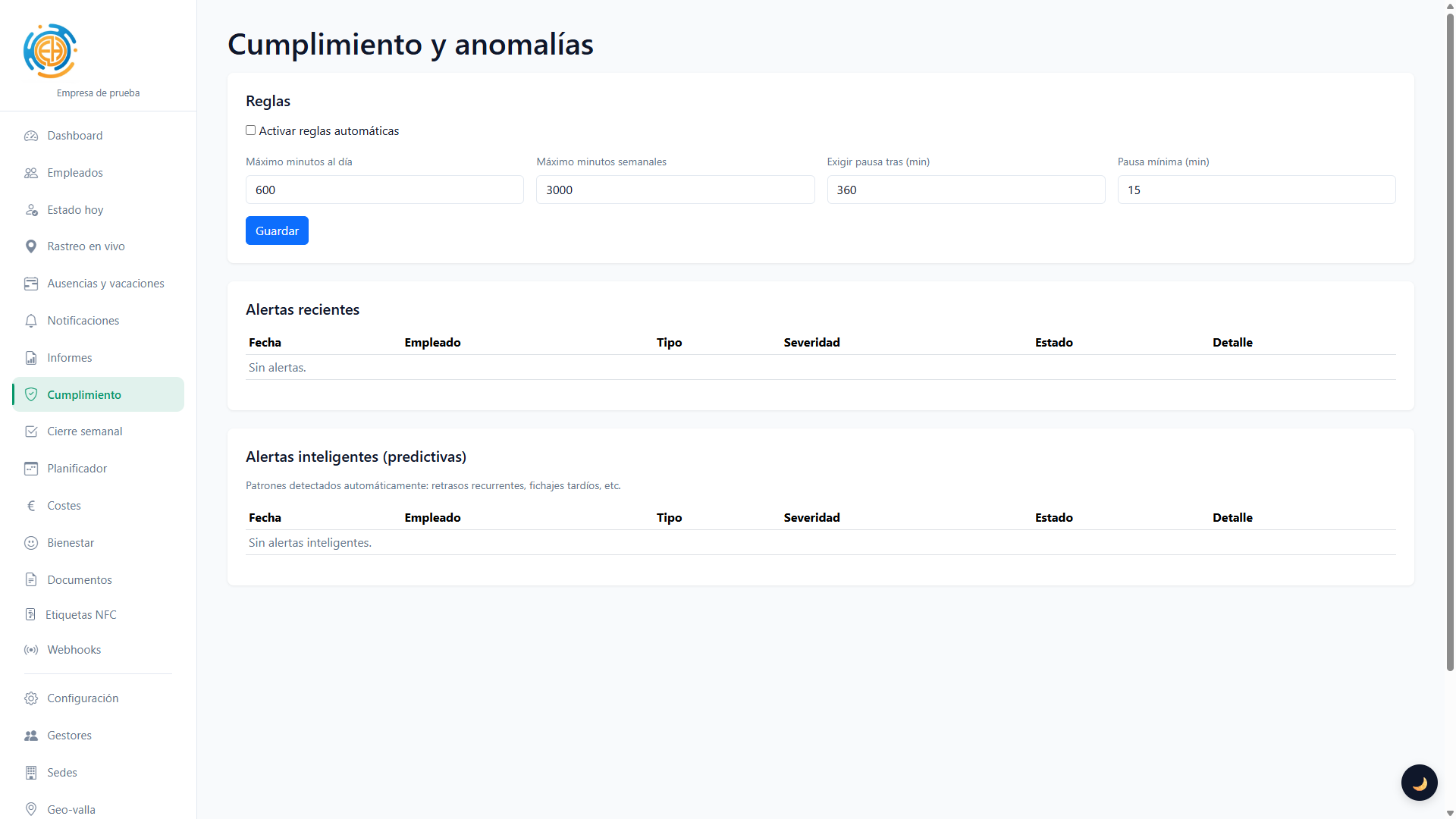
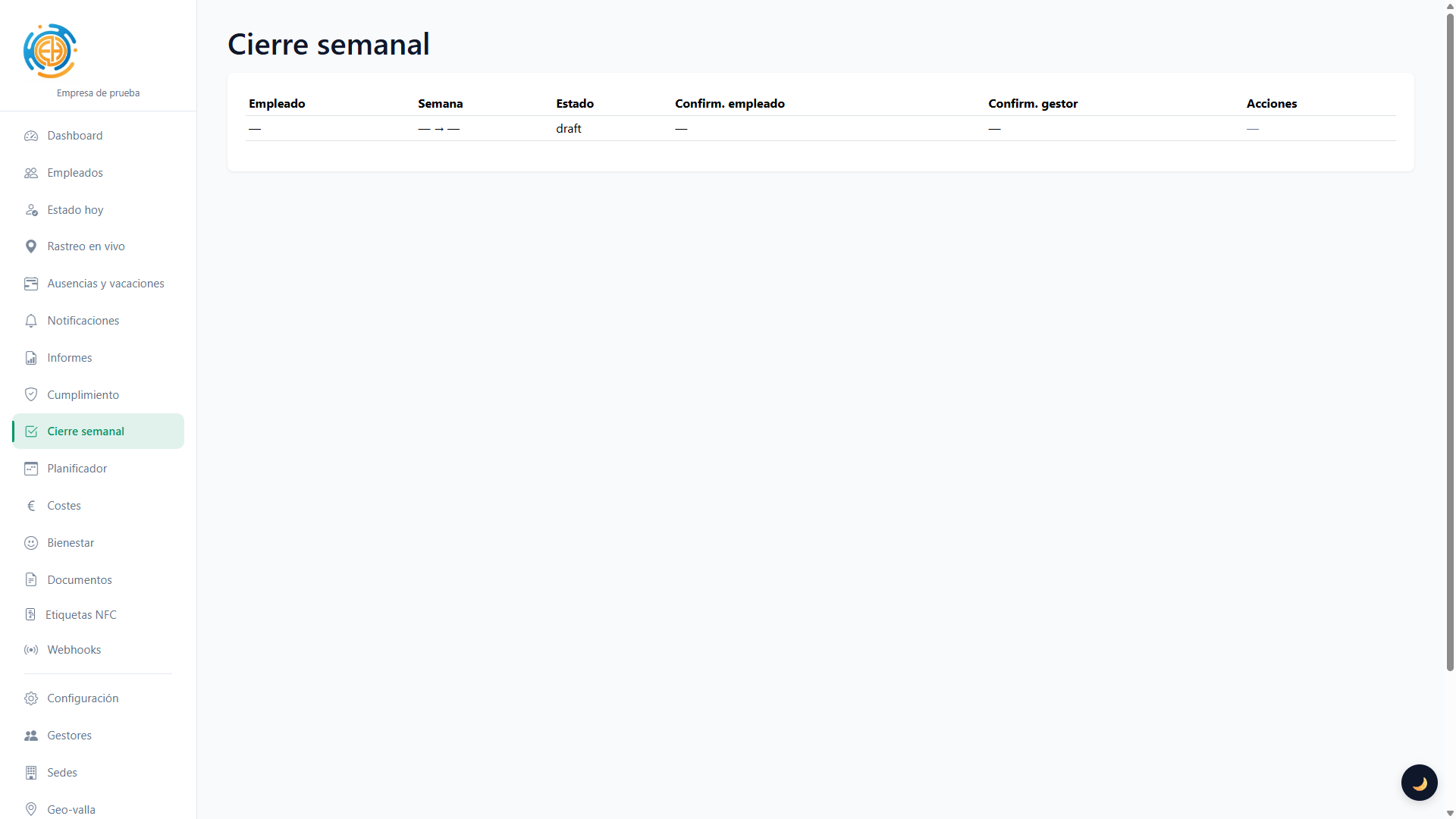
Mucho más que un control horario

Cumplimiento y alertas

Cierre semanal

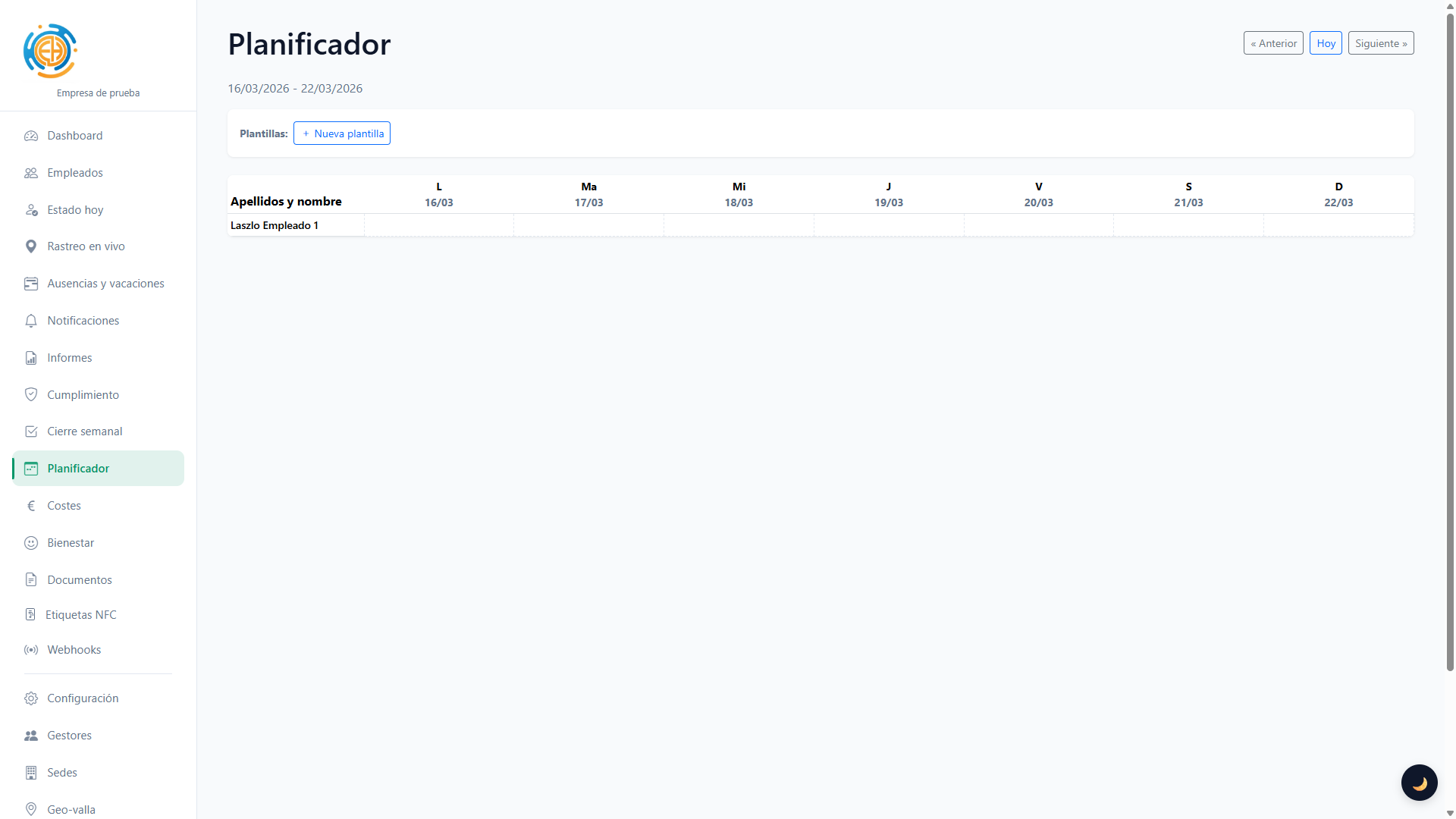
Planificador de turnos

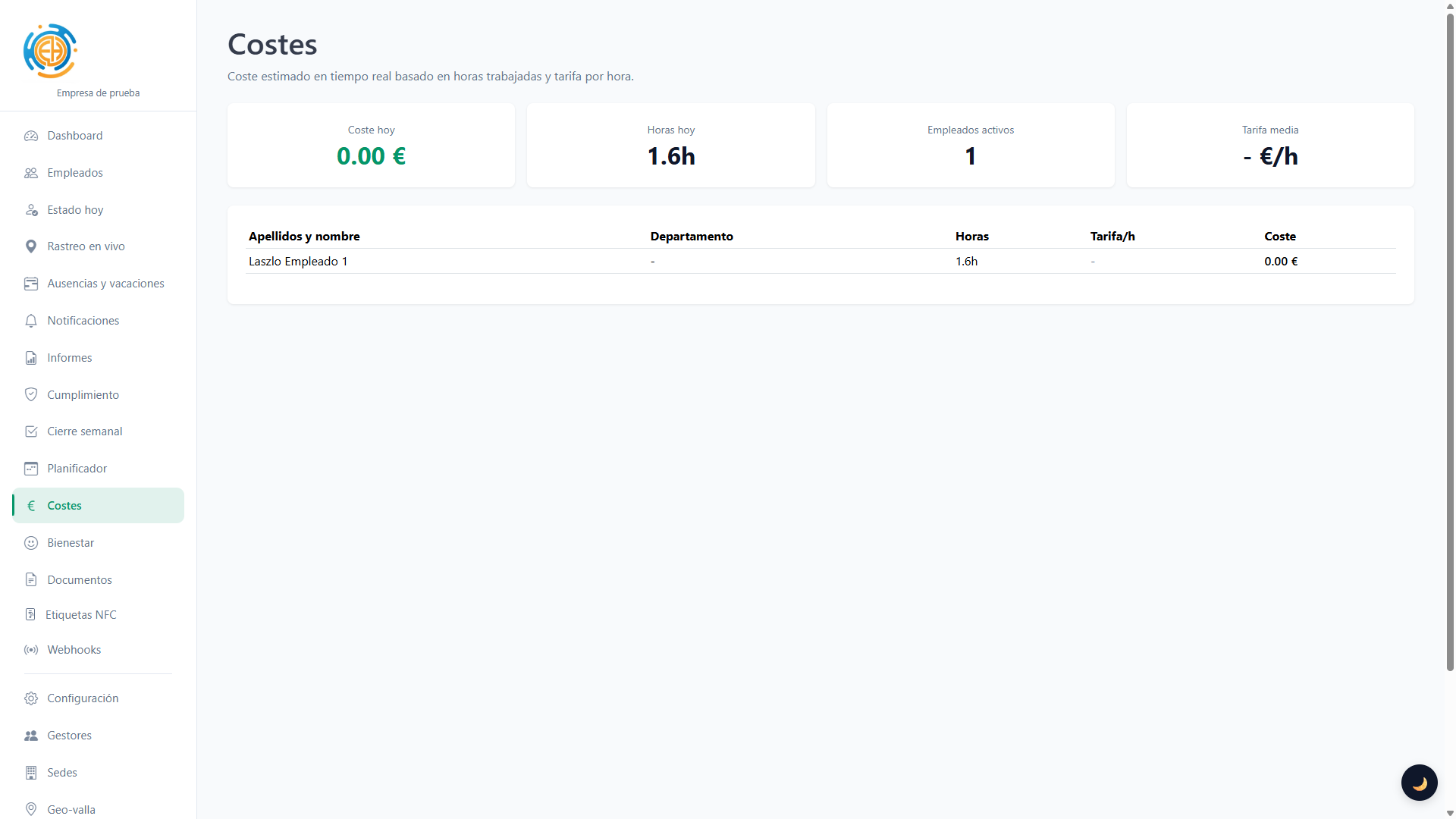
Estimación de costes

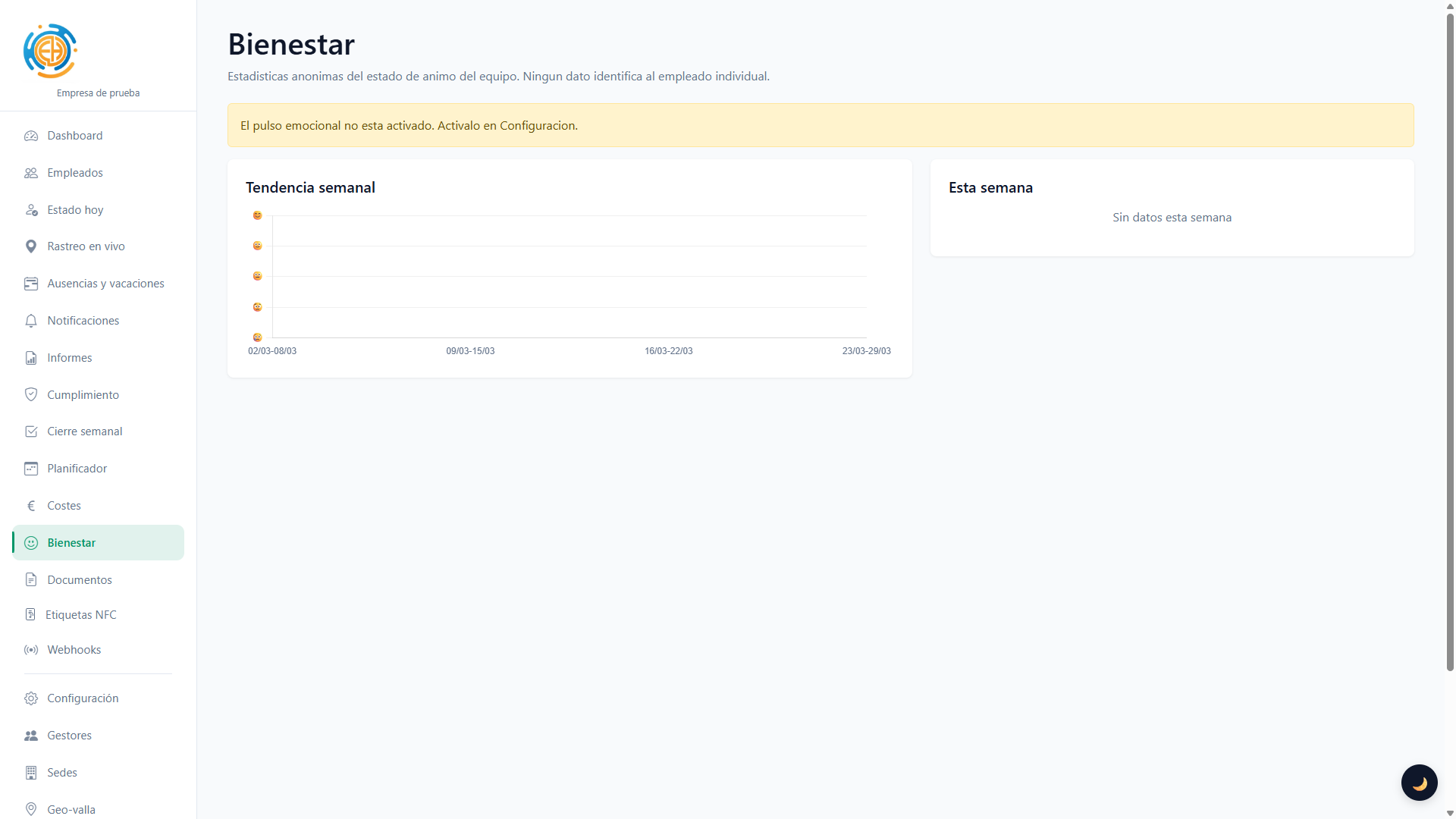
Bienestar del equipo

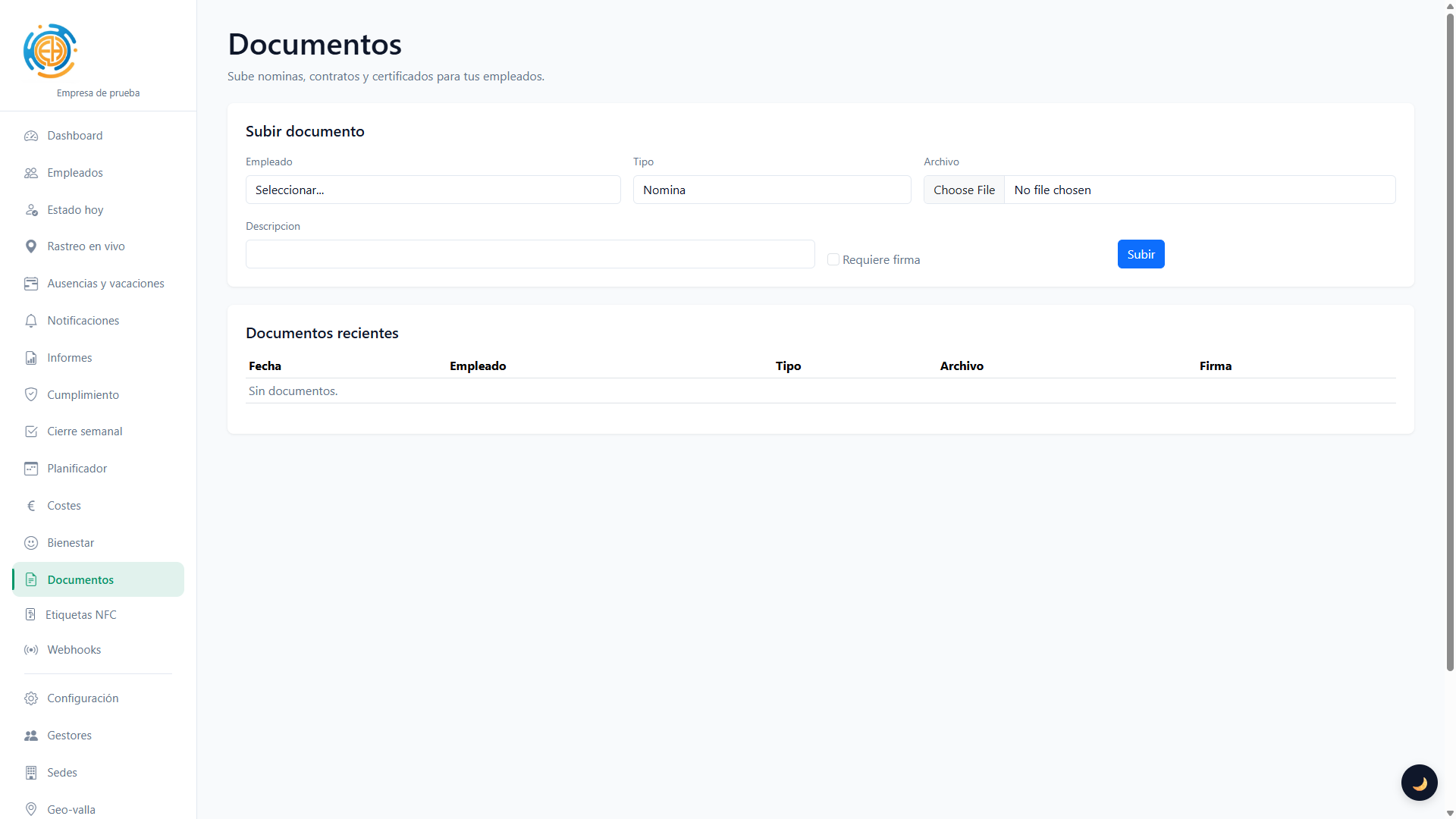
Documentos laborales

Notificaciones push

Fichaje por QR dinámico

Fichaje por NFC

Webhooks e integraciones

Multi-gestor y sedes

Anti-fraud and traceability

Trust signals, incident review, device integrity and location context to audit every clock record.

Internal requests

Custom request types, priorities, attachments, default assignee, conversation and full follow-up between company and employee.

Expenses and allowances

Premium add-on for receipts, allowances and mileage: mobile photo capture, automatic compression, status workflow and manager review.

Internal chat

Premium add-on with WhatsApp-like conversations between managers and employees, mobile push and live refresh.

Easy clock-in from your phone

Clock-in with GPS
Clock-in with GPS

Clock in, out, break start and end with location recorded. Address saved for each entry.

Swipe to clock
Swipe to clock

Option to avoid accidental taps: swipe to confirm clock-in or clock-out.

Time off
Time off

Request time off or holidays from your area. Check your balance and request status.

App and PWA
App and PWA

Clock in, review shifts, manage requests, expenses, documents, chat and notifications from Android, iPhone or installable web access.

Shifts and workday

Check today's workday, published shifts and the clock-in method configured by your company.

Requests from mobile

Create requests with attachments, priority and conversation with the company from your portal.

Submit expenses

Take a photo of the receipt or attach a file, enter the amount and follow the reimbursement or allowance status.

Chat with the company

Reply quickly from web or app with push notifications and direct access to the conversation.

Features at a glance

GPS clock-in
Location on every clock-in and out.
Excel and PDF
Payroll, SAGE, CSV and PDF detail.
2FA and geofences
Security and allowed zones.
Billing and VAT
Clear prorating, plan-based VAT and automatic invoices in the customer language.
Remote work
Clock in from home or an approved location.
Projects
Assign time to clients, jobs or tasks.
Fichaje por QR
QR dinámico en el terminal.
Fichaje por NFC
Tarjetas NFC por empleado.
Cumplimiento
Alertas de jornada y pausas.
Bienestar
Pulso emocional anónimo.
Modo offline
Fichar sin conexión.
Calendario
Google/Outlook/iCal.
Mobile apps
Android, iPhone and installable PWA.
Internal chat
Push-enabled messaging between managers and staff.
Requests
Flows with statuses, attachments and assignees.
Expenses and allowances
Receipts, amounts and approval workflow.
Encrypted data
Sensitive records are encrypted in the database and the platform is designed with security in mind.
Global backups
Geo-distributed backups help continuity and recovery.

App and mobile access

Use the same platform on web, Android and iPhone, with persistent sessions, notifications and on-demand permissions.

Native Android and iPhone apps already exist. Their Google Play and App Store publication is coming soon; until then, the installable web version is also available.

Android

Android

Use the Android app or installable web access to clock in, review shifts, submit expenses, reply to chats and receive alerts.

In Chrome: browser menu > "Install app" or "Add to Home screen".

Native Android app: coming soon to Google Play
iPhone and iPad

iPhone and iPad

The iPhone app mirrors the mobile workflow with clock-in, shifts, expenses, requests, chat and notifications.

In Safari: Share > "Add to Home Screen".

Native iPhone app: coming soon to the App Store
Web platform

Web platform

Open the full dashboard, reports and settings from any browser.

Same access from desktop, tablet or mobile

https://jornadapp.es

Plans and pricing

Base plans plus premium add-ons activated per company: live tracking, expenses and allowances, and internal chat.

Pricing, billing periods and VAT stay visible on the landing page so the offer is transparent from the first visit.

Hybrid plan VAT 21%
Único

Por usuario activo/mes (tramos); mínimo mensual

10,00 € min. / month

Real examples by user count:

5 employees: 34,50 €/mes
10 employees: 69,00 €/mes
15 employees: 88,50 €/mes
Available billing periods
1 month: 3,00 € 3 months: 12,00 € 6 months: 30,00 € 1 year: 414,00 €
Reference for 5 employees
Create account

Frequently asked questions

Short answers about key features. More detail is available after sign-up or from support.

Reports can be generated with a digital signature. Viewers such as Adobe Acrobat Reader will only show the signature as trusted if they trust the issuing CA. Download rootCA.crt — on most computers, double-clicking the file and completing the install wizard to place it in the trusted root store is enough (Windows: Certificate import wizard or Certificate Manager; macOS: Keychain Access).

rootCA.crt

Yes. The clock-in screen can queue records while there is no connection and sync them once connectivity is back, keeping the company clock-in mode intact.

Yes. Jornadapp works on the web, as a PWA and in mobile apps. Android and iPhone keep persistent sessions, request permissions on demand and show notifications; Huawei devices without Google services use a compatible flow for login, clock-in and push alerts.

Yes. Sensitive data are stored encrypted at application level and the platform includes geo-distributed backups to improve business continuity and recovery.

Ready to get started?

Create your account and start clocking in with geolocation in minutes.

Create account

Are you an employee? Clock in here